POS and stock SaaS · Rust + React

Run your own point of sale business

Shops sign up, sell at the till, keep their stock right across outlets and invoice their trade customers. You sell them the plans through your own Stripe account and run it all from the super-admin.

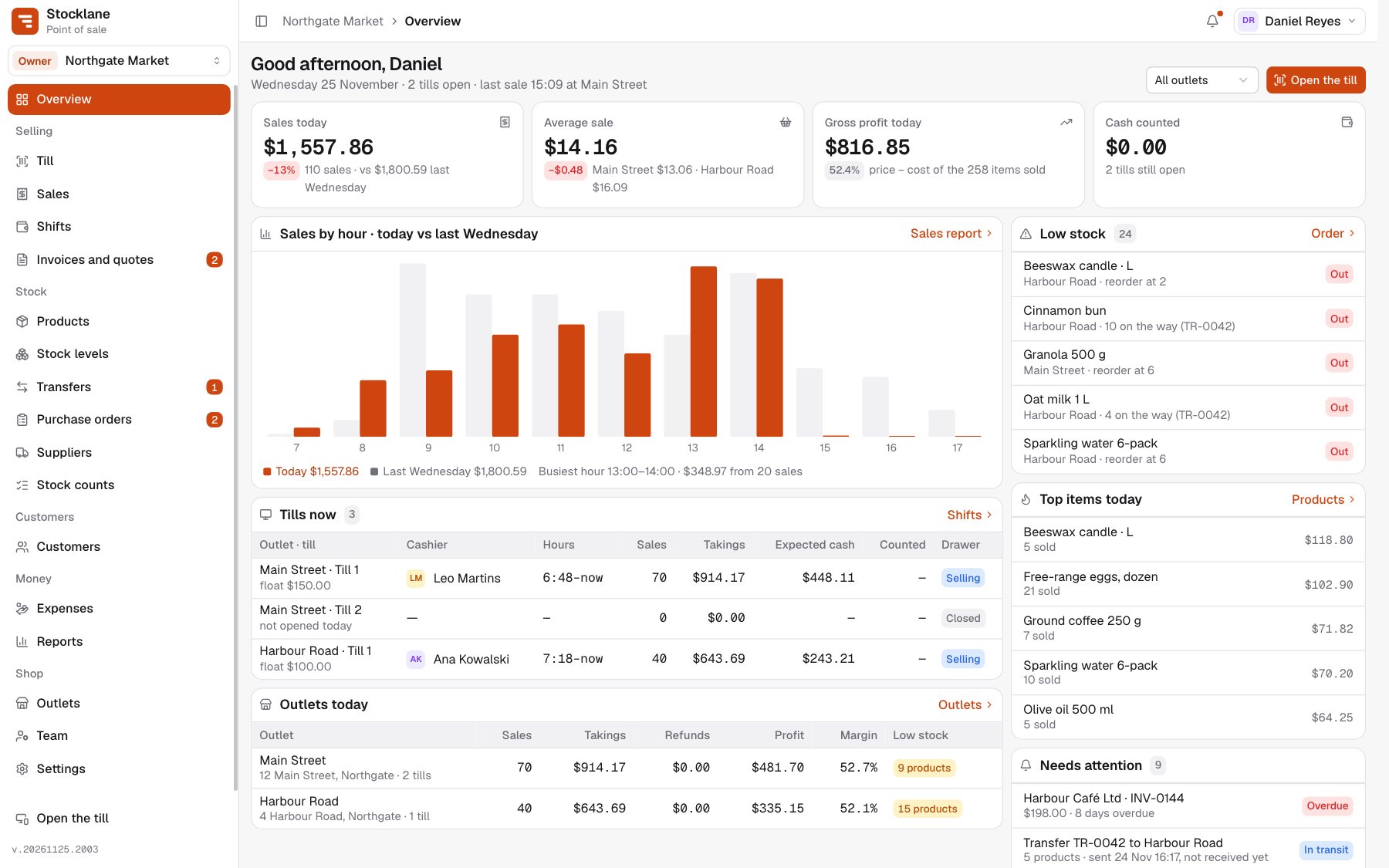
Till, stock and invoicesMulti-outlet with transfersStripe plans with limits
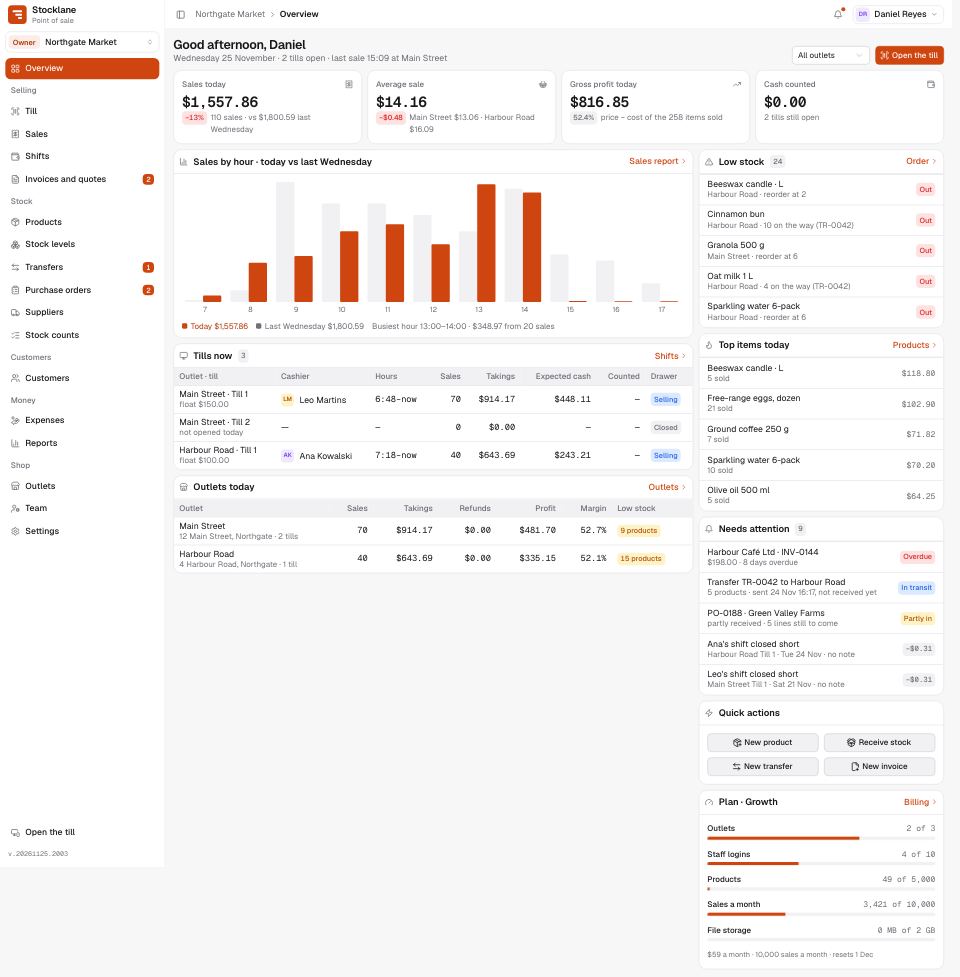
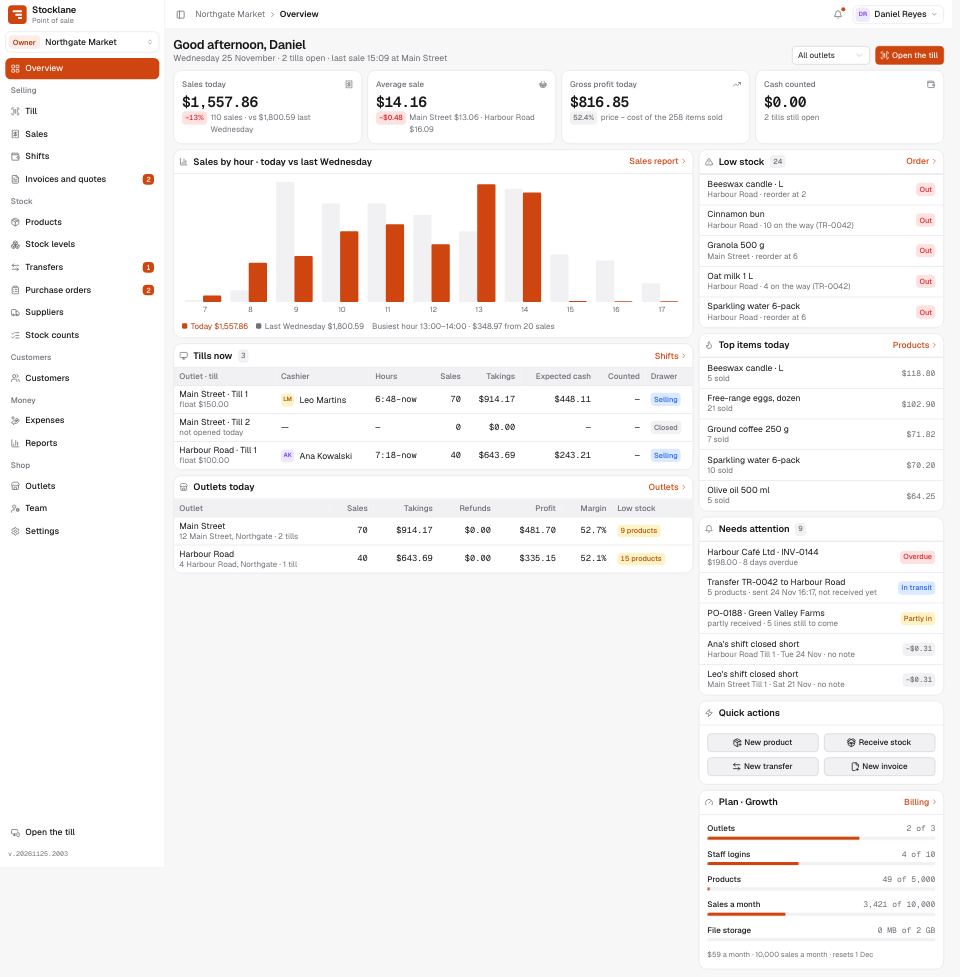
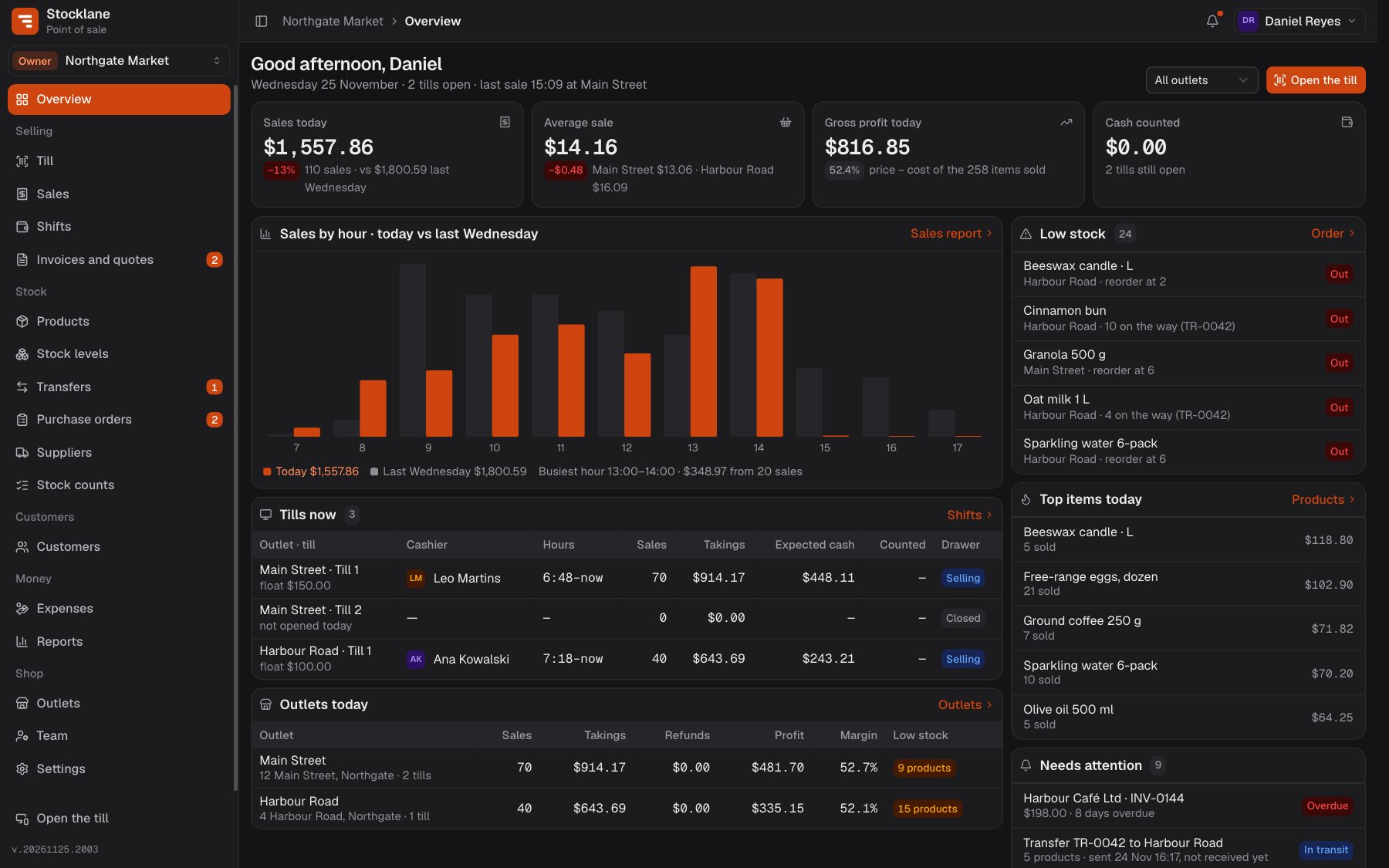
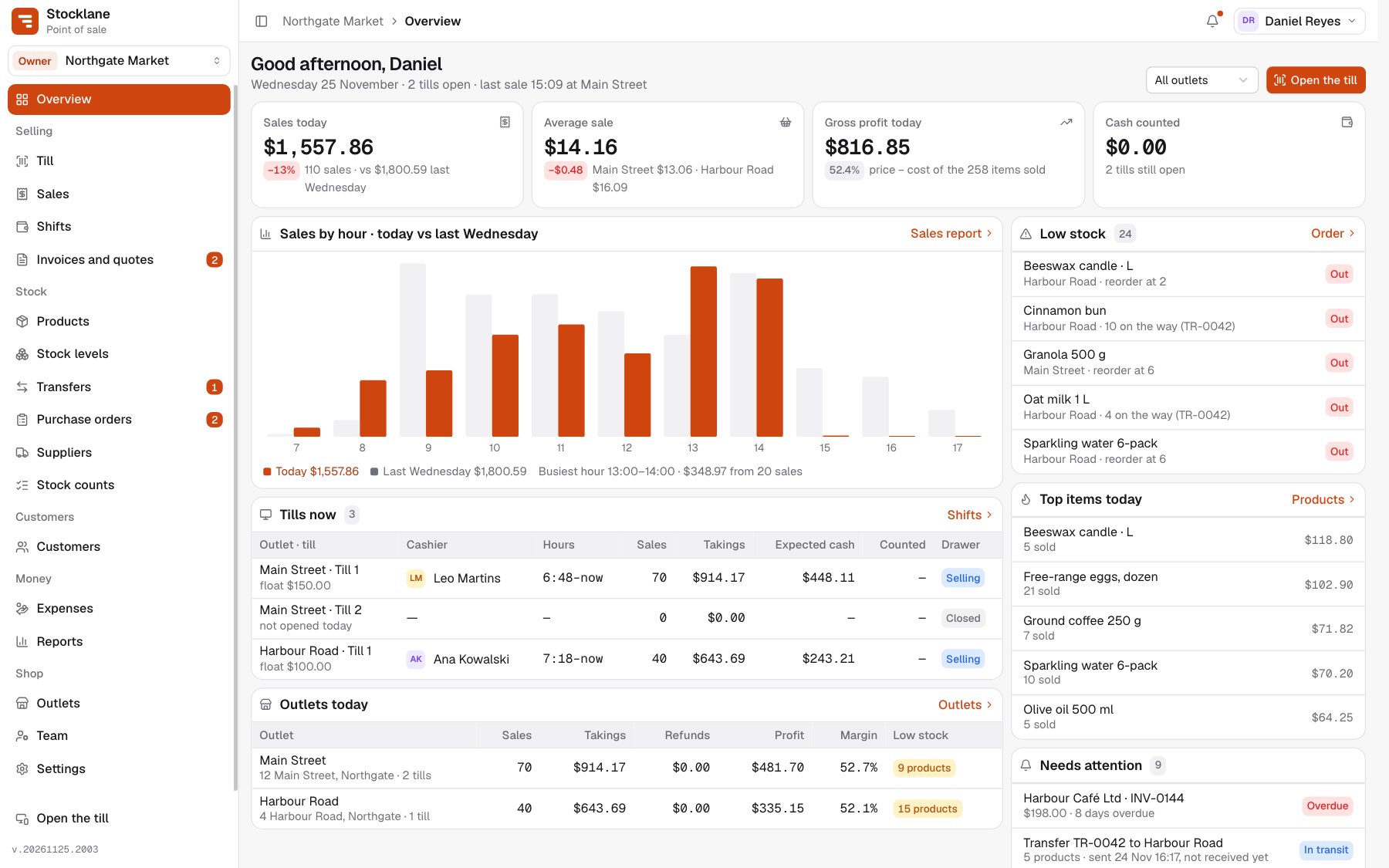
Stocklane dashboard
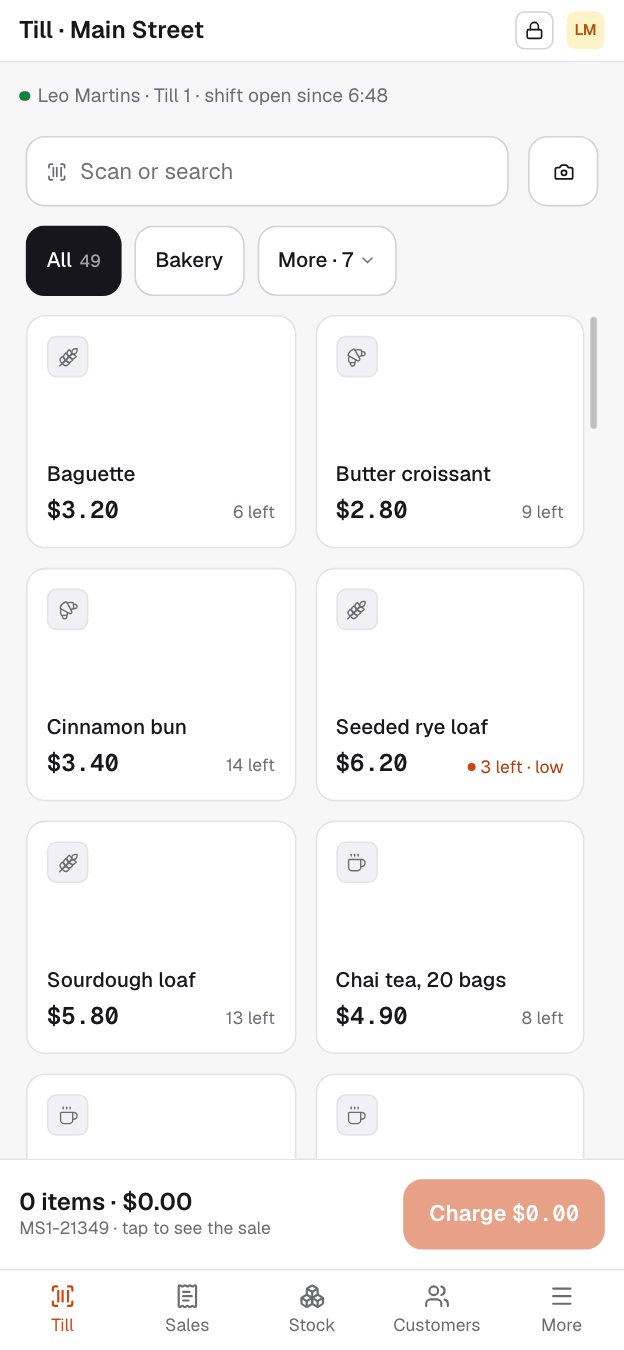
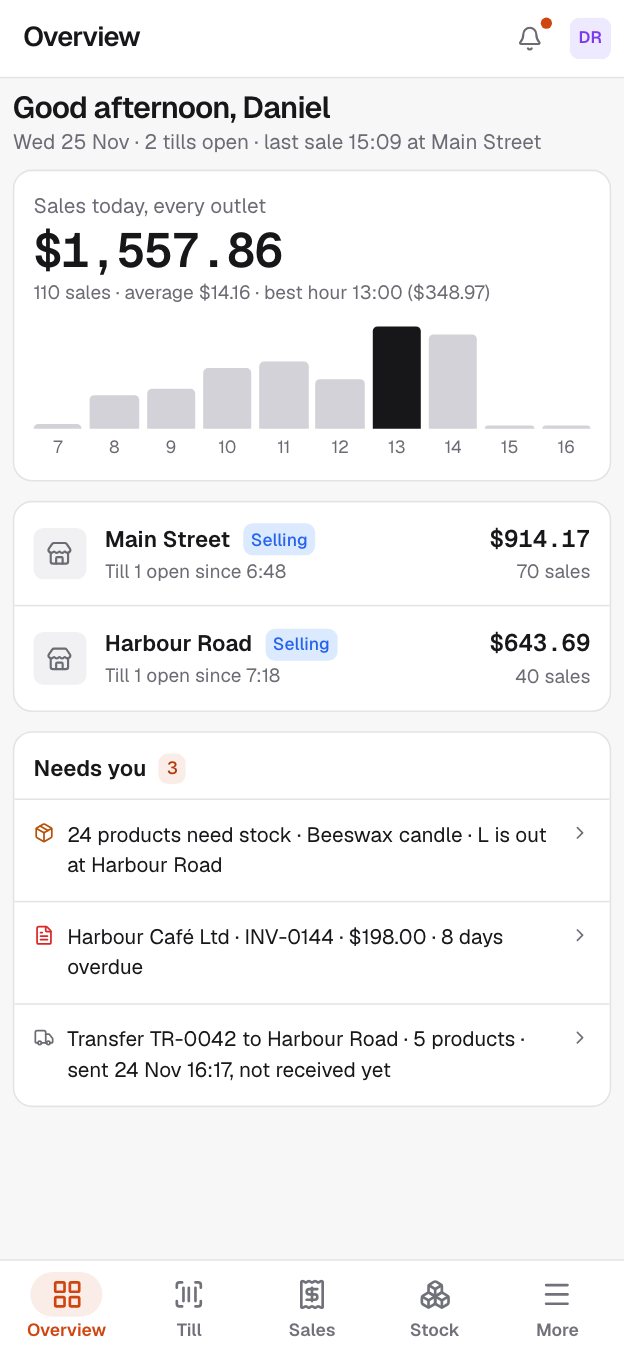
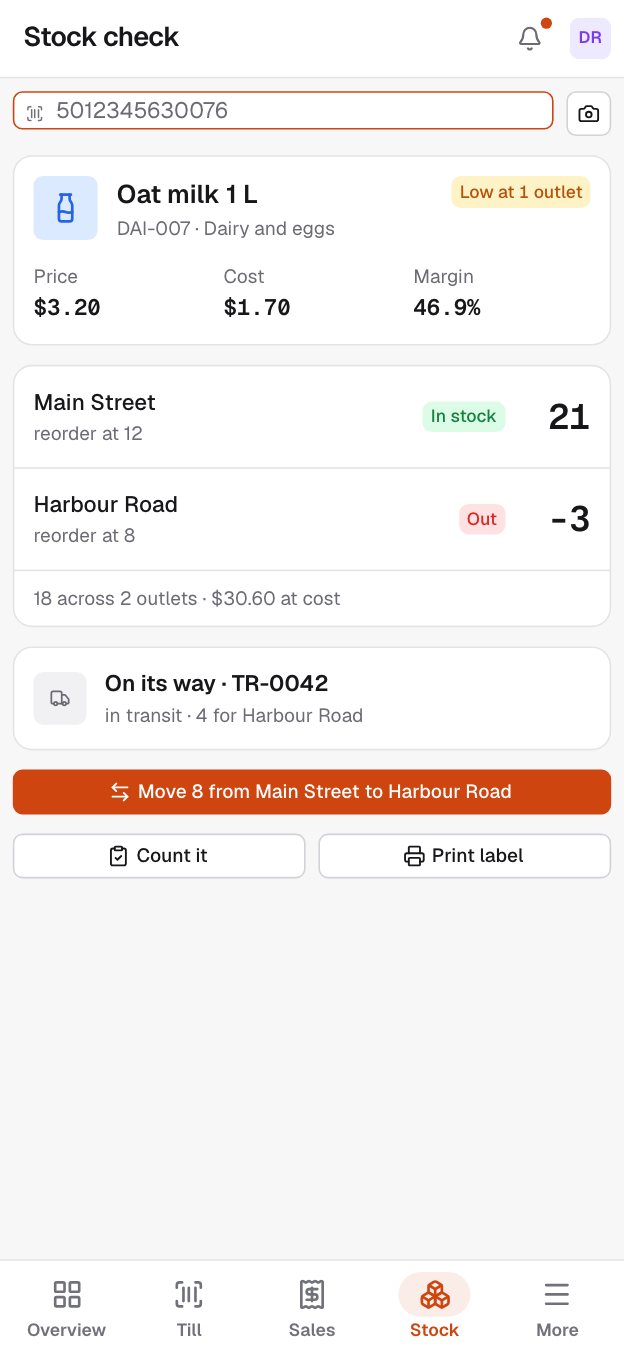
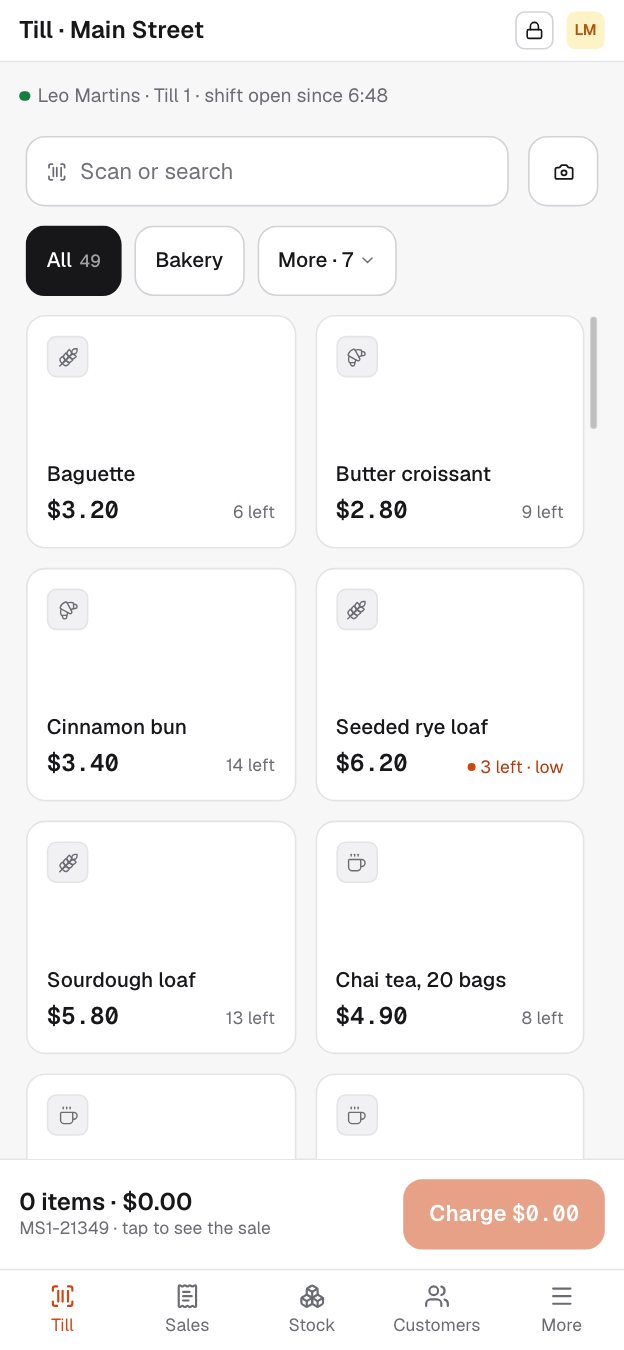
Stocklane on a phone
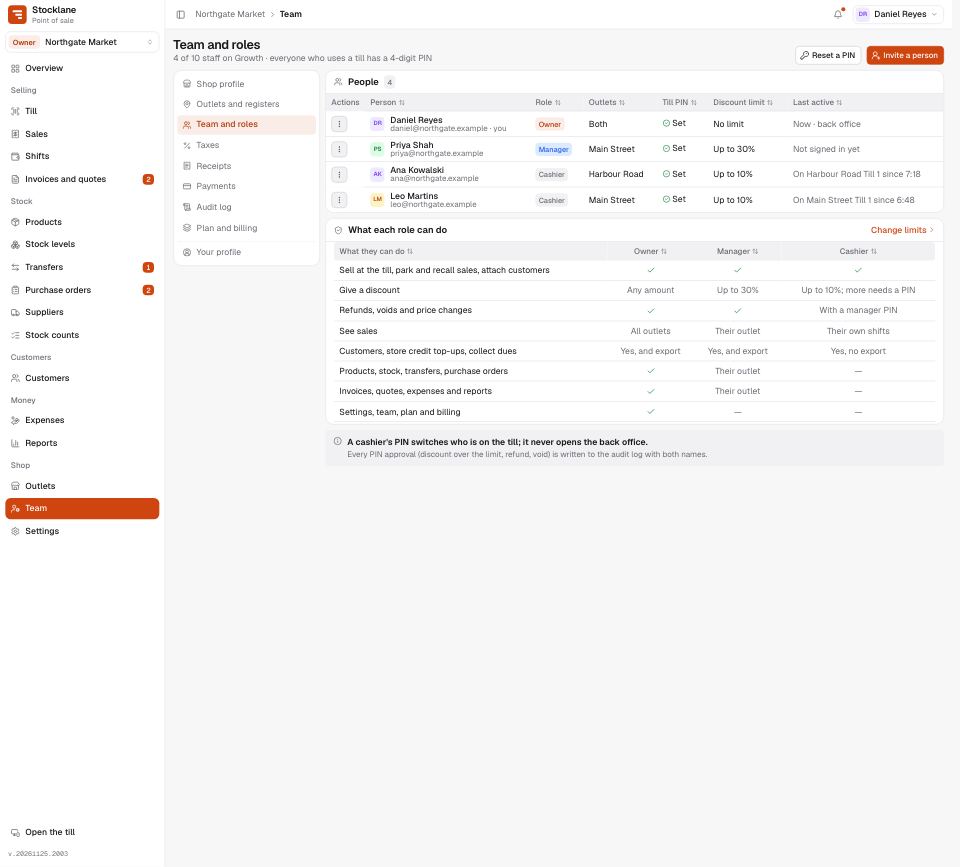
3Shop rolesowner, manager, cashier
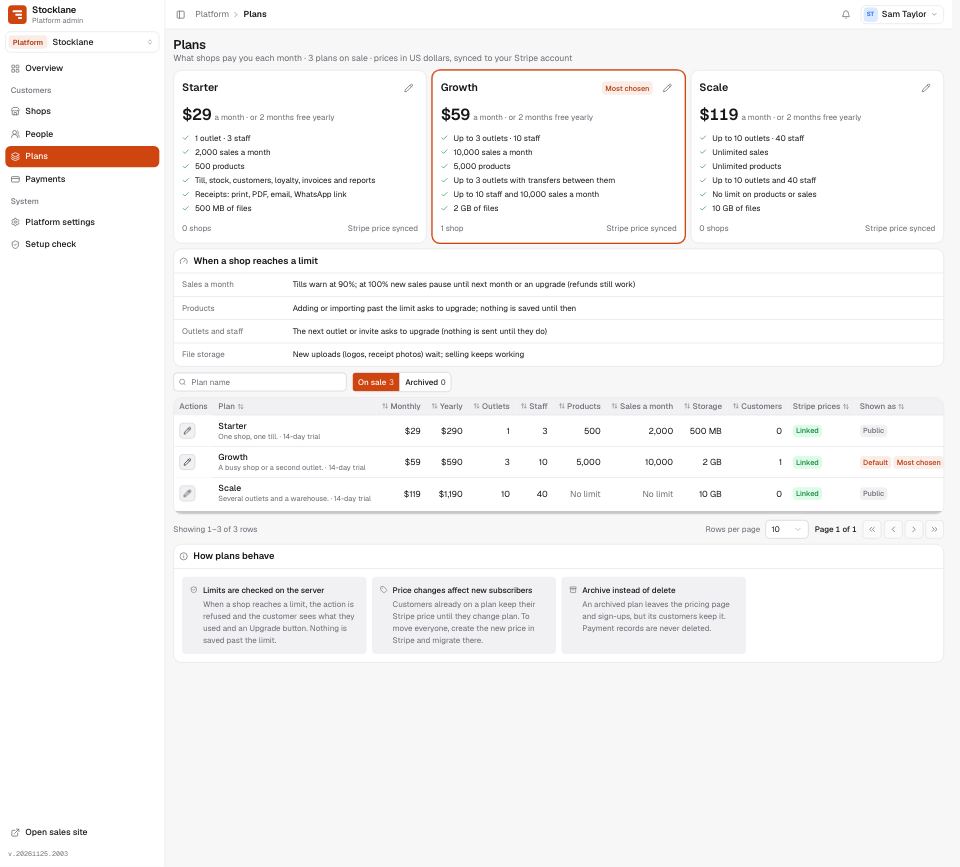
5Plan limitsoutlets, staff, products, sales, storage
Features

Everything a shop runs on, in one app

A complete product your customers sign up to, sell with every day and pay for.

01

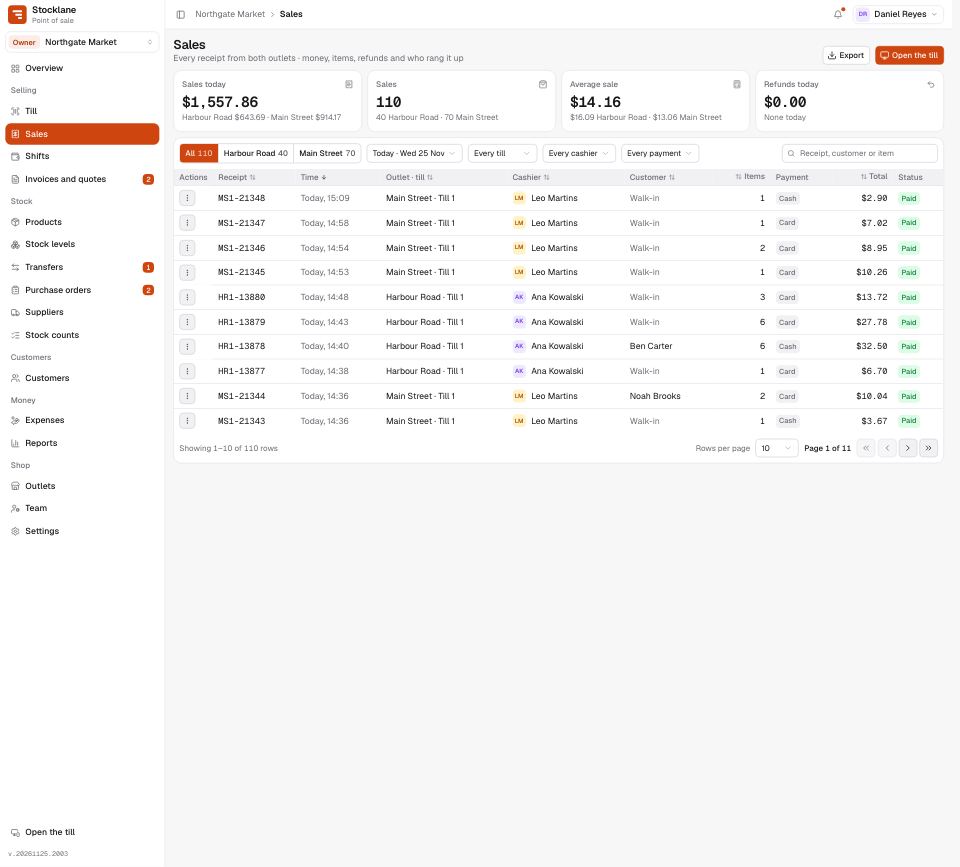
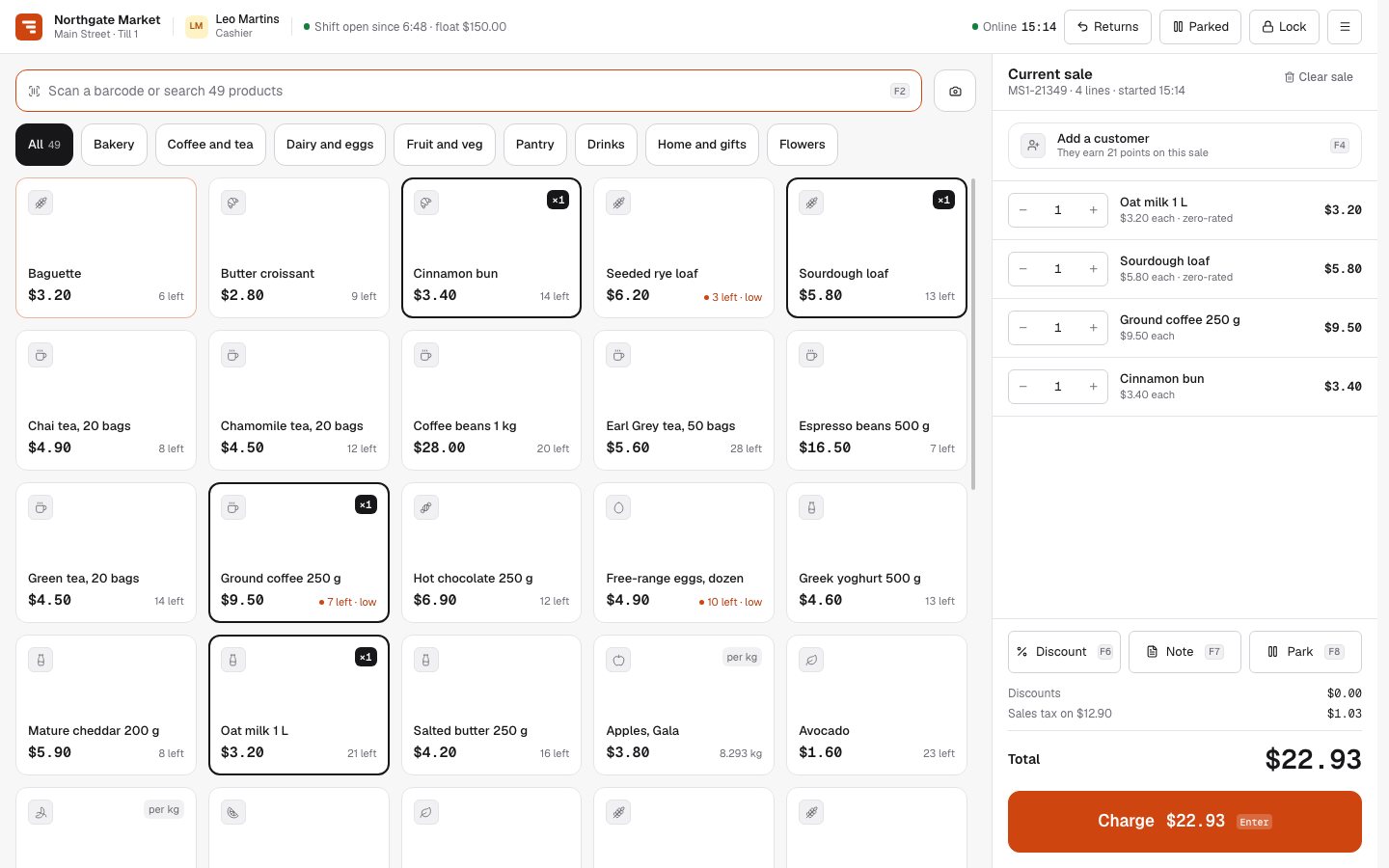
A fast till

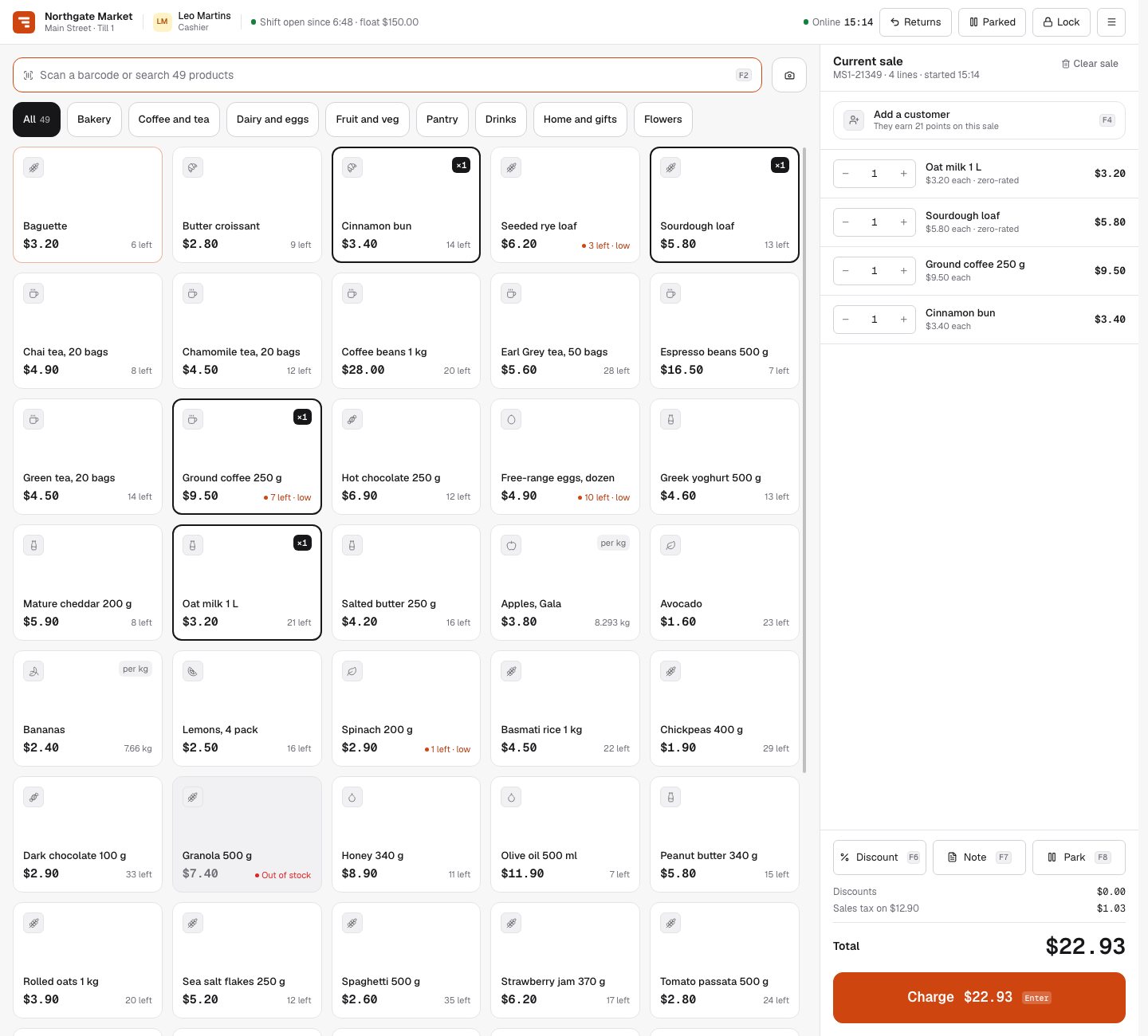
Scan, take payment, print the receipt

  • Barcodes, variants, weighed items and quick keys
  • Cash, card, store credit, points or pay later, split any way
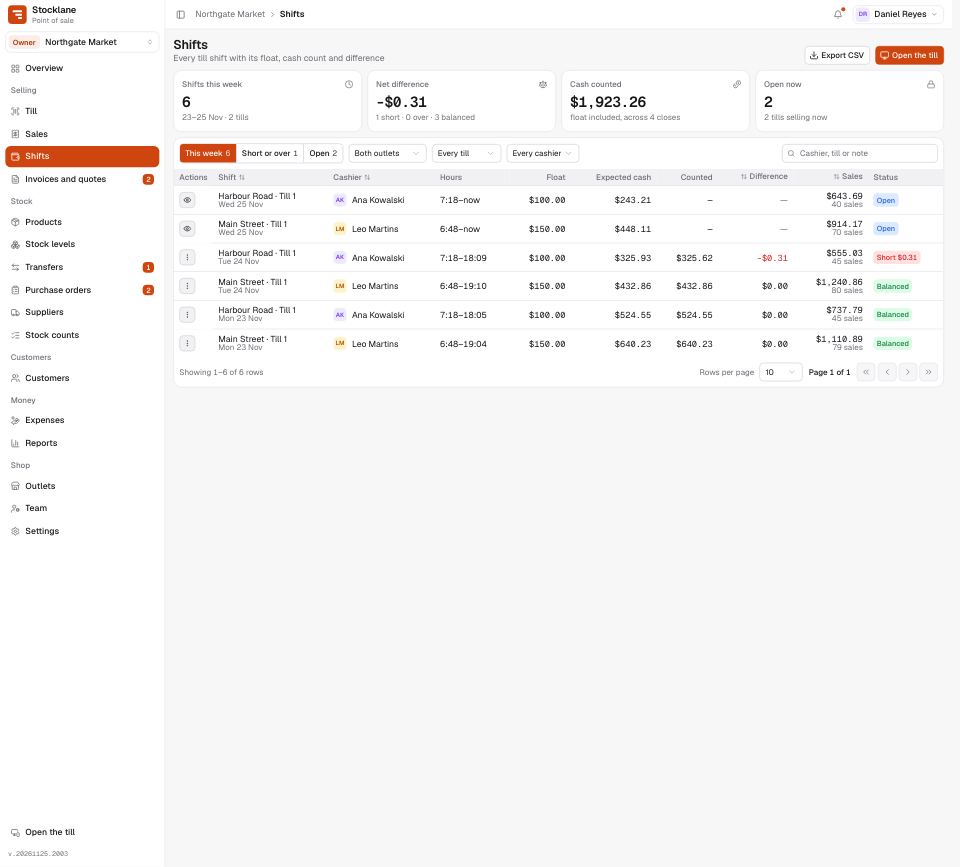
  • Staff switch with a PIN; shifts close with counted cash
Open the till →
A fast till
02

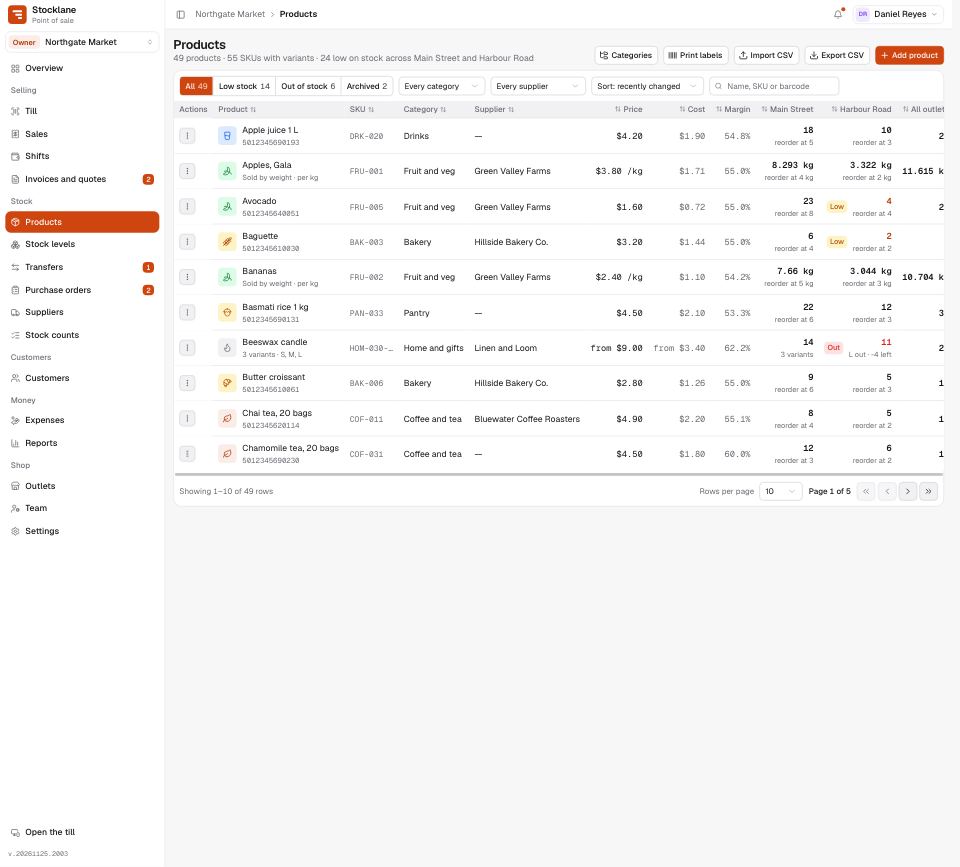
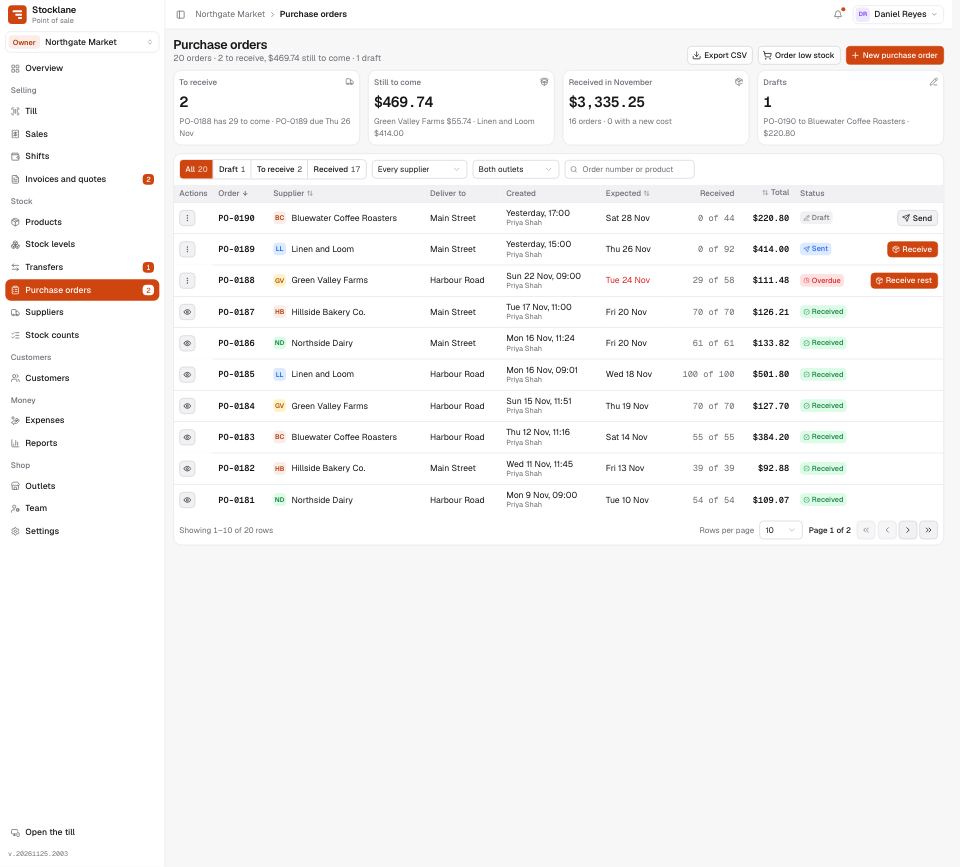
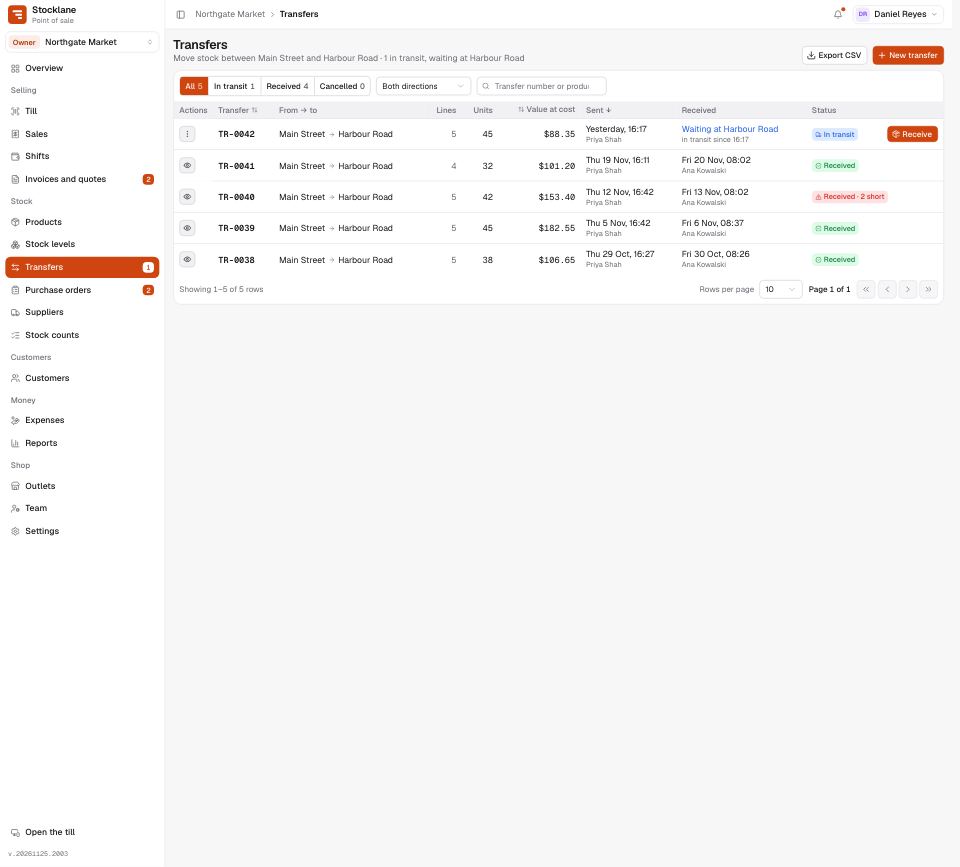
Stock that adds up

Every outlet, every move

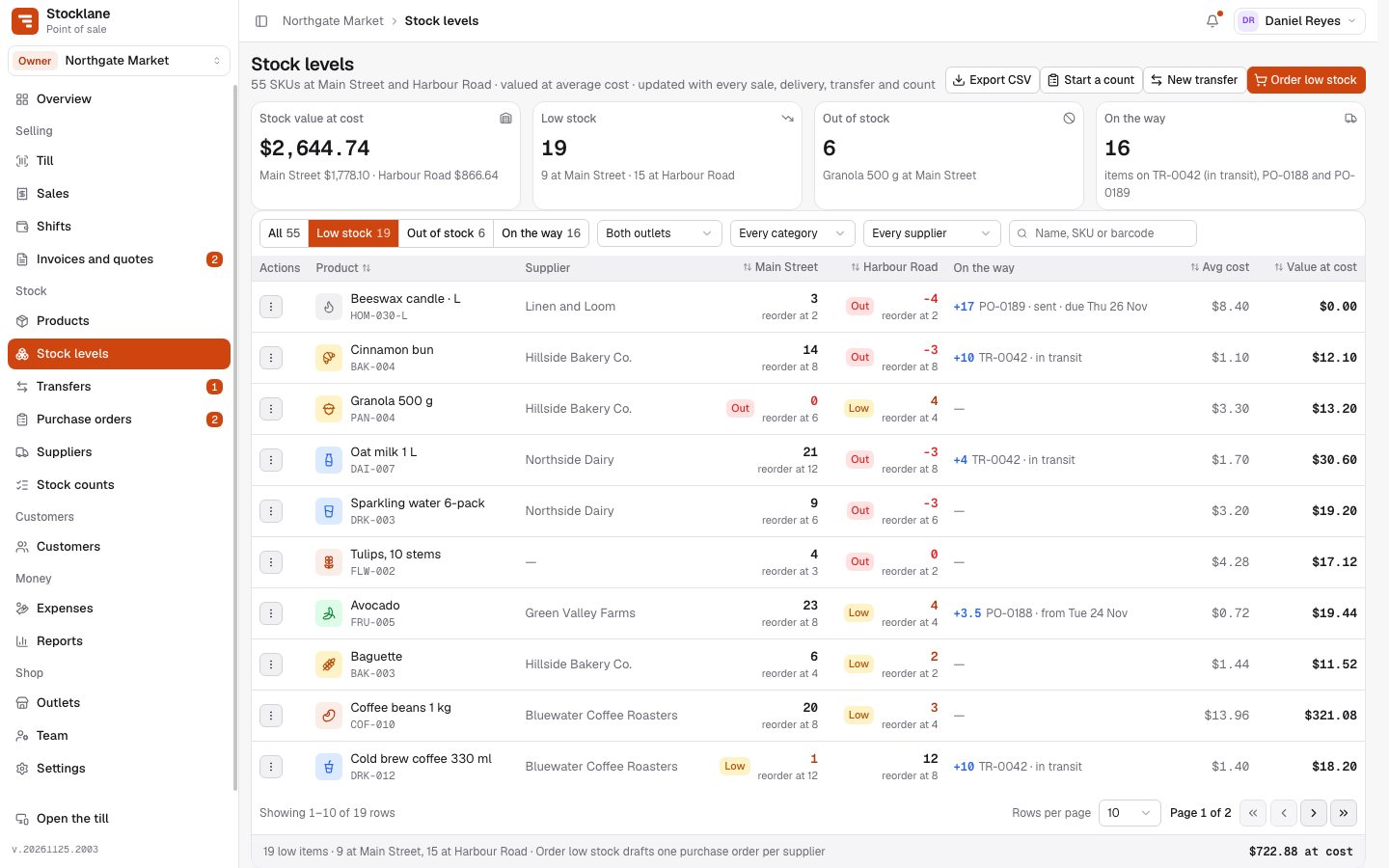
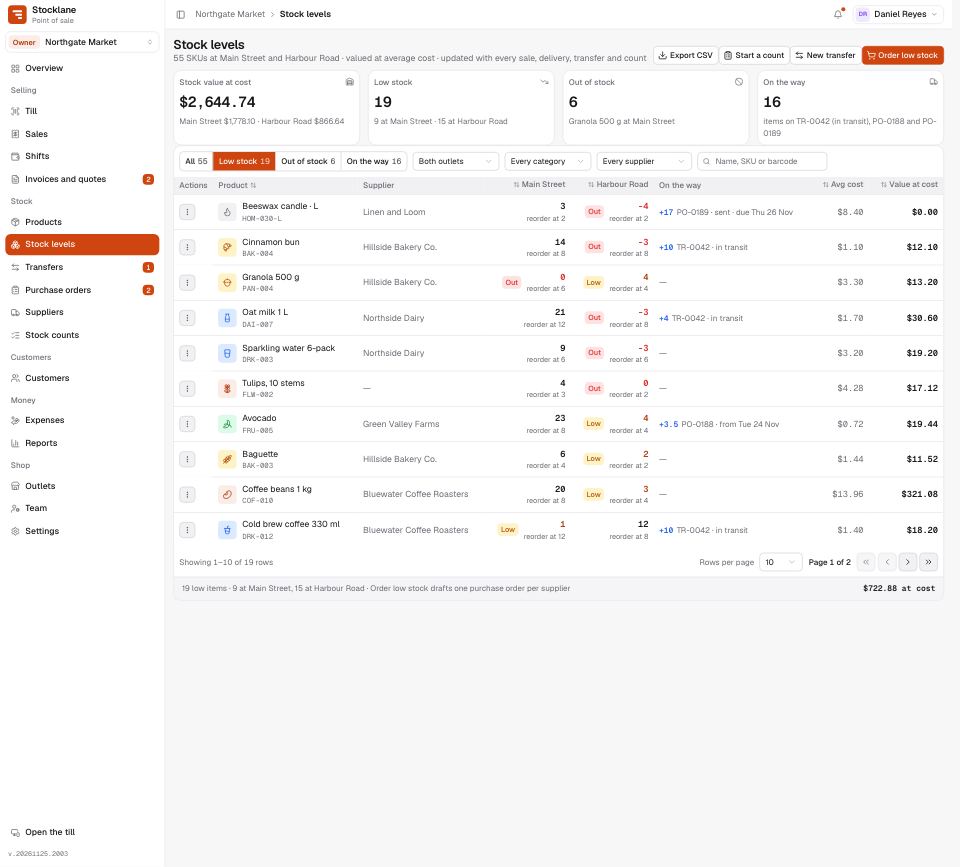
  • Levels per outlet with low-stock alerts and reorder points
  • Purchase orders received in parts, transfers and stock counts
  • Average cost on every sale for true profit
Open stock →
Stock that adds up
03

Customers and trade invoices

Loyalty, accounts and B2B billing

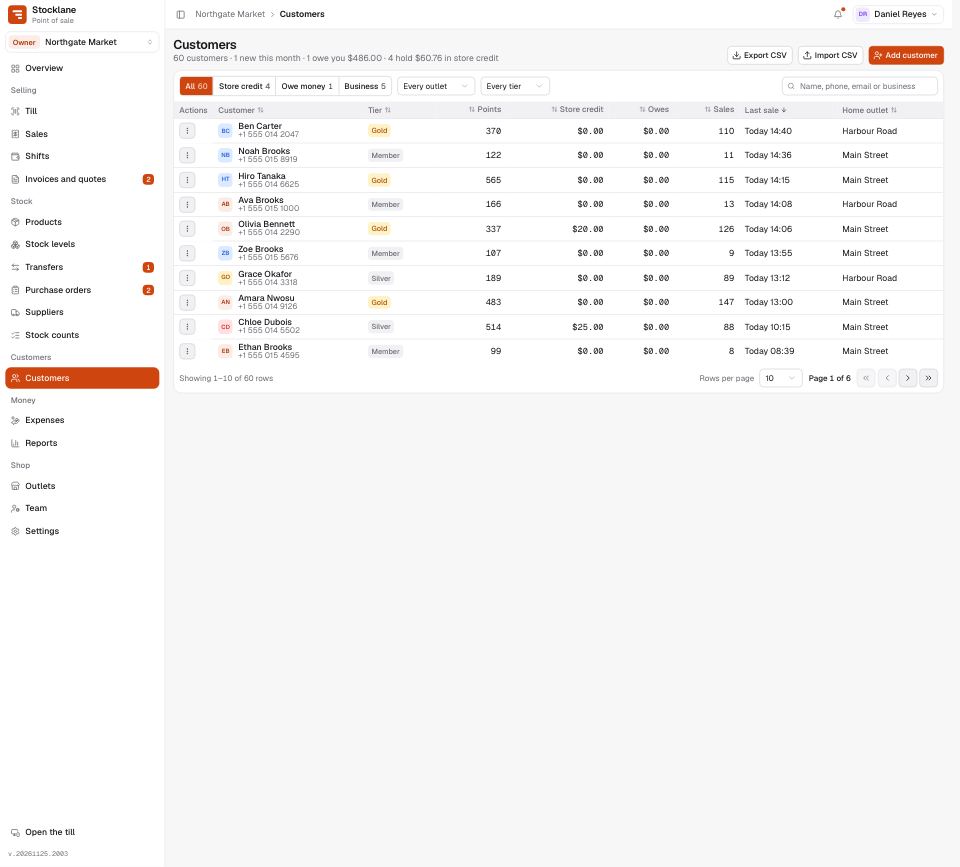
  • Points, store credit, top-ups and accounts with limits
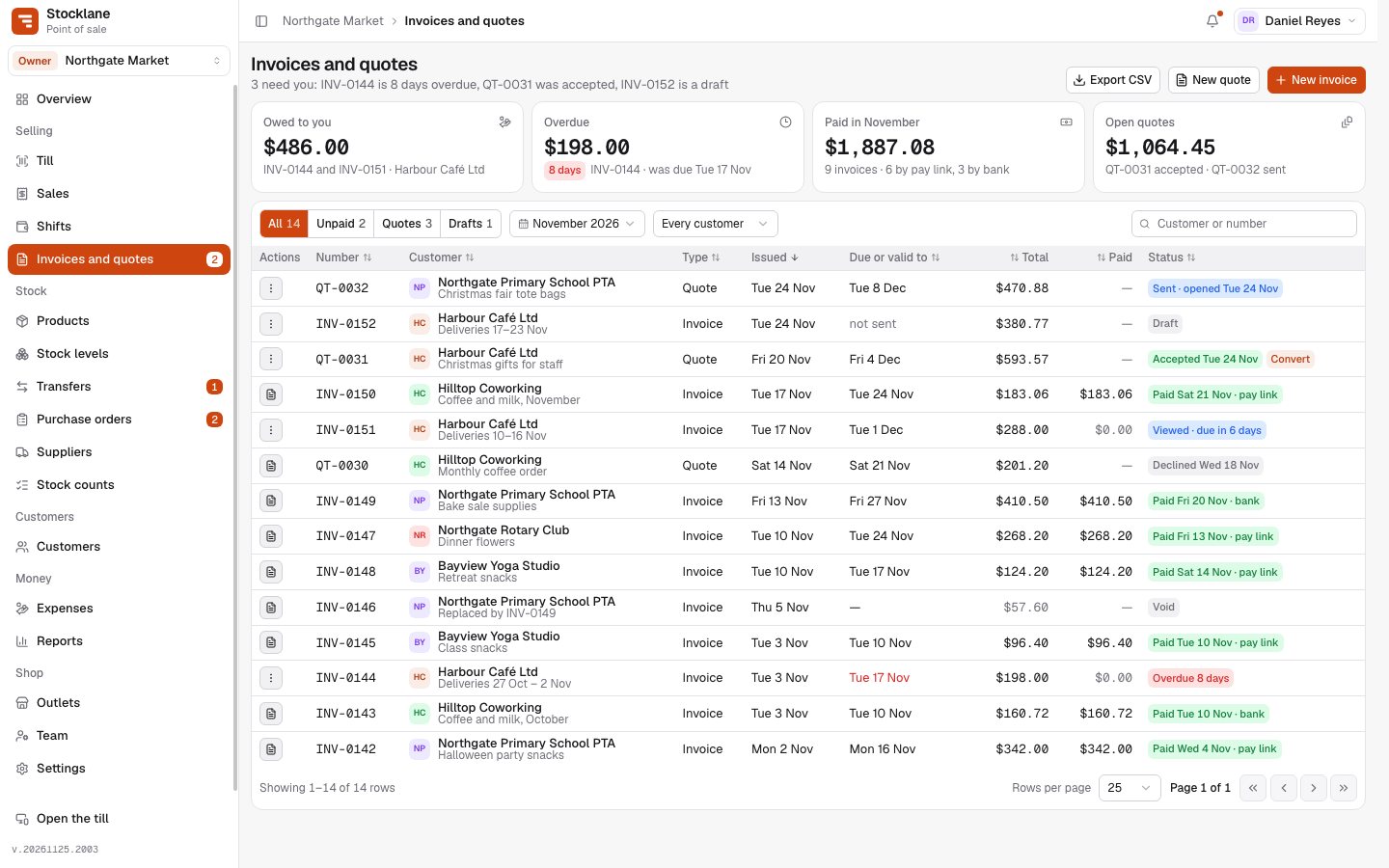
  • Quotes and invoices with a pay link and PDF
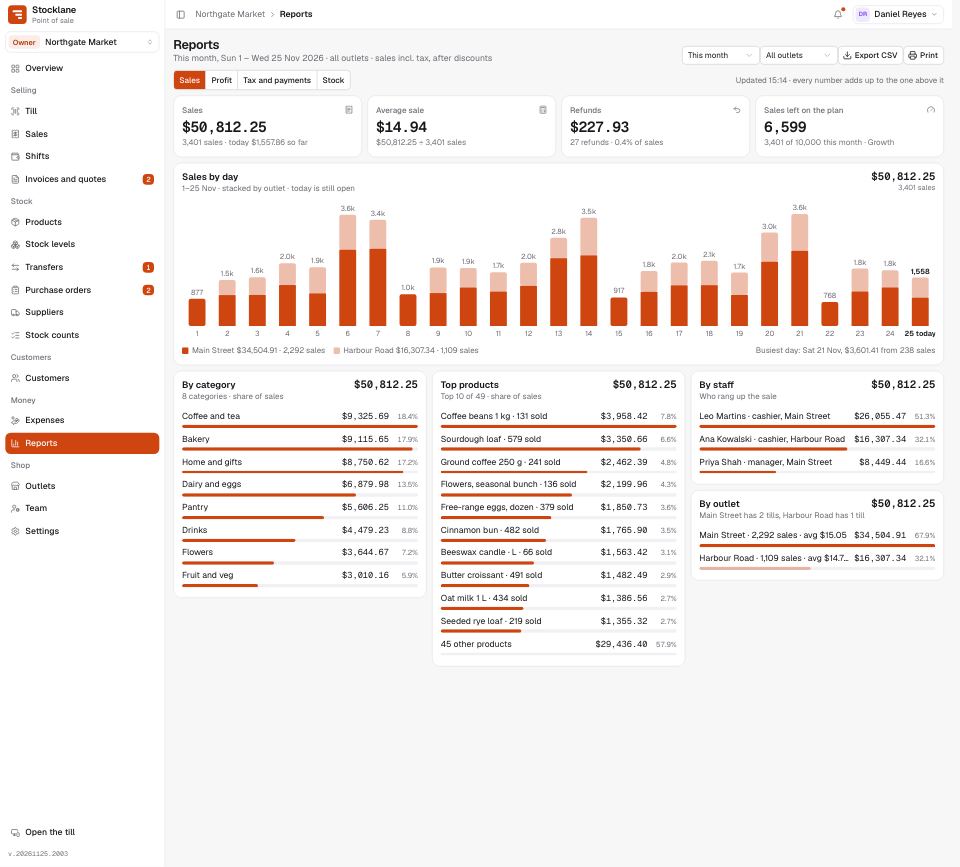
  • Expenses and reports on sales, stock and profit
Open invoices →
Customers and trade invoices
04

Run it as a business

Plans, Stripe billing and a full super-admin

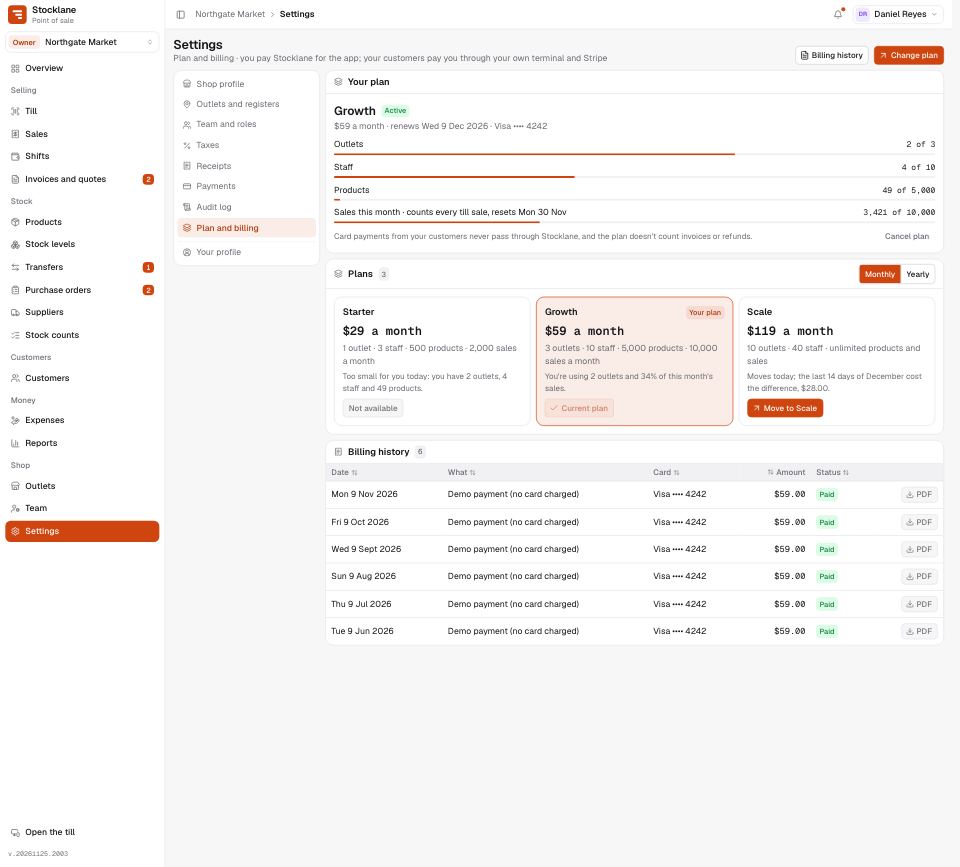
  • Plans with limits on outlets, staff, products, sales a month and storage
  • A free trial without a card, then Stripe Checkout and the customer portal
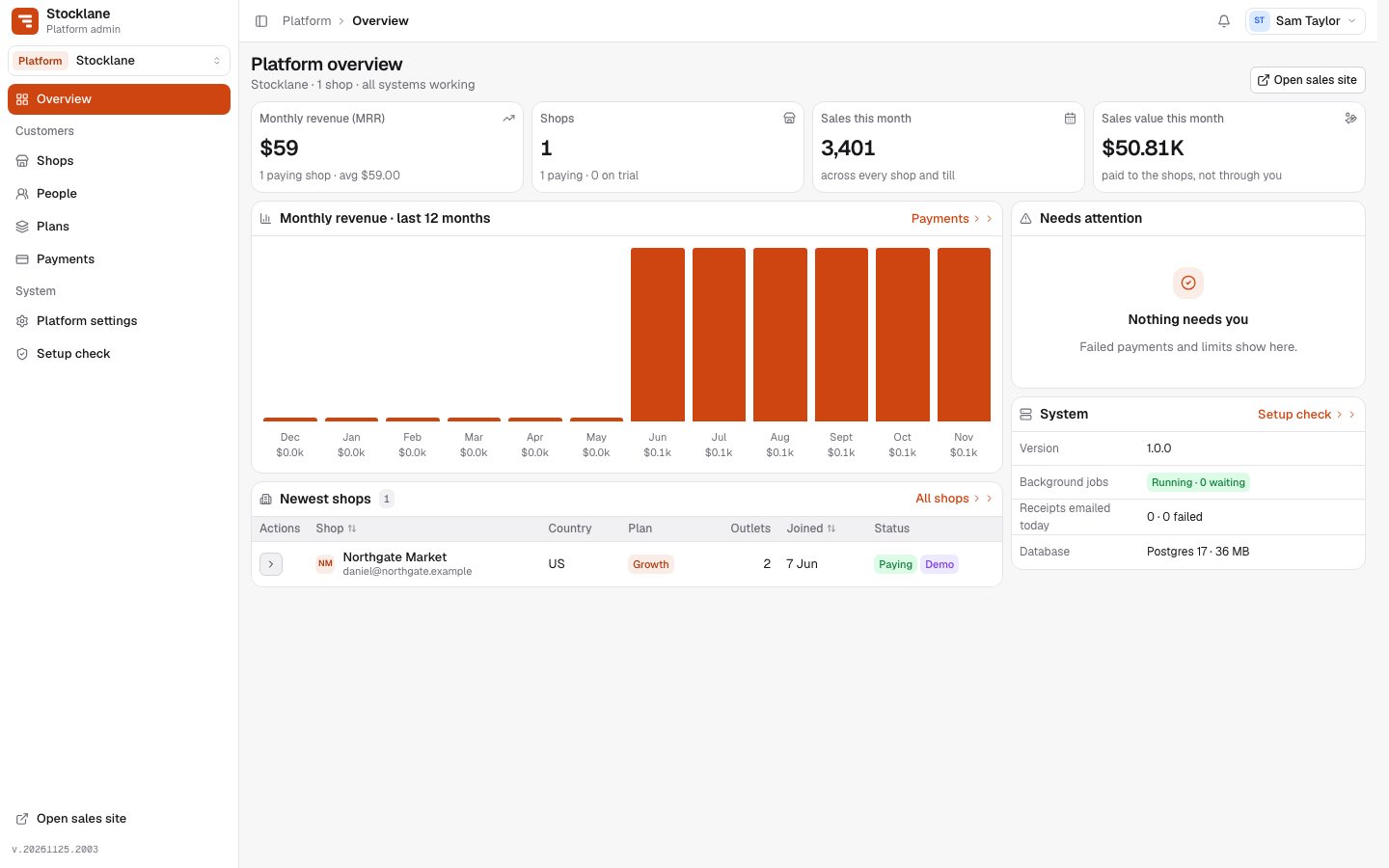
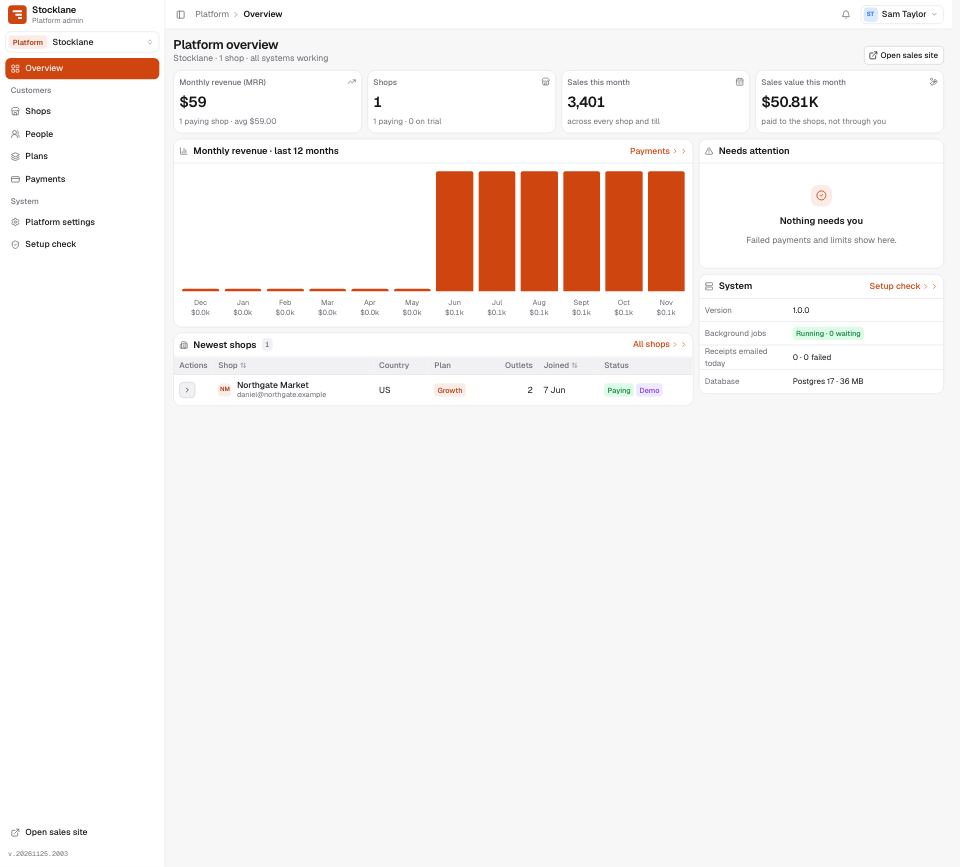
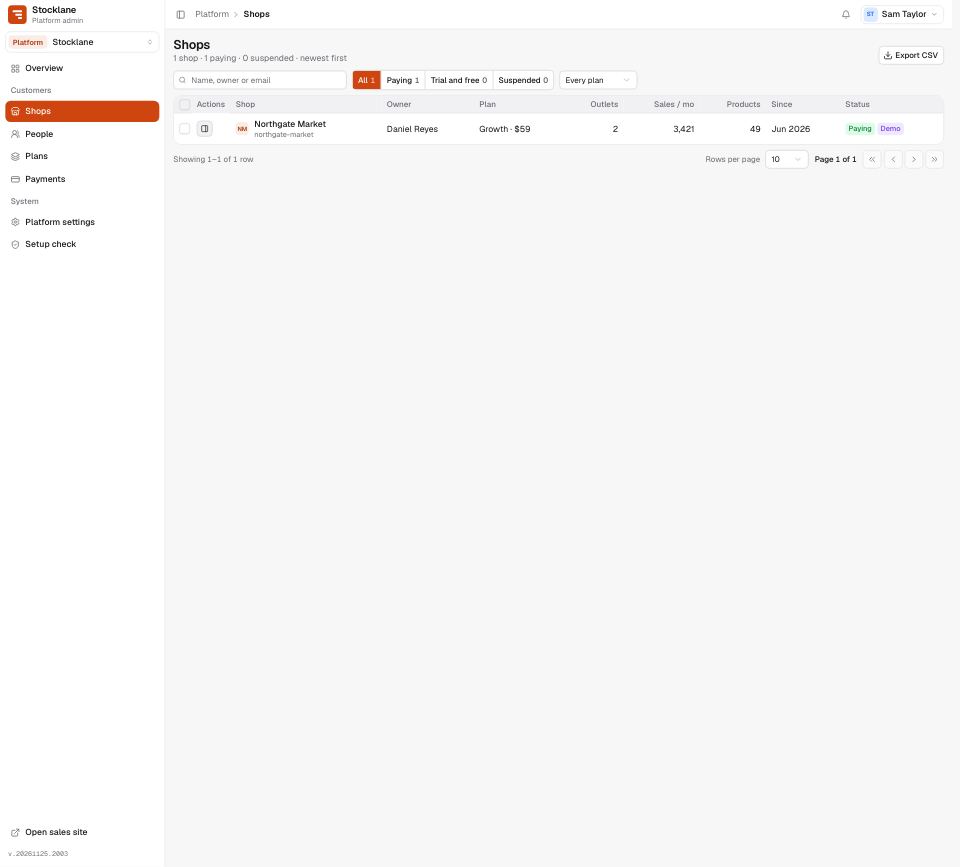
  • Revenue, shops, payments and a setup check that tests every service
Open the super-admin →
Run it as a business
Live demos

Try it the way your customers will

Northgate Market: two outlets and a month of trading. One click, no sign-up. Resets nightly.

Inside the app

Every screen, designed and filled

The shop your customers use and the super-admin you run it from. Click any screen to try it.

Light and dark

Dark mode for every screen

Light, dark or the system setting, remembered for each person. Drag the handle to compare.

Stocklane in dark mode
Stocklane in light mode
LightDark
Responsive

Sell and check stock from a phone

Every screen fits a phone, the till too.

Stocklane on a phone
Inside

Built to be easy to own

One-command install

docker compose up -d starts the app, PostgreSQL and file storage; an install wizard in the browser does the rest.

Only the keys

Every outside service has a working default: log-only email, local file storage and a test checkout until Stripe is set.

Rebrand without code

Name, logo, brand colour, legal pages and email wording from the super-admin's settings.

Tested and secured

Server tests against a real PostgreSQL and browser tests; encrypted secrets, signed webhooks and per-shop data isolation.

Fast, modern code

A Rust (Axum) server compiled into one small program, React 19 with React Router 7, Tailwind CSS 4 and PostgreSQL.

Running costs

What it costs to run

Stocklane has no monthly fee of its own. The outside services it uses belong to other companies, which bill you directly.

Card payments (Stripe)

Stripe charges its own fees on every subscription and invoice payment it collects for you.

Your server

You need your own server that runs Docker (a small VPS is enough) and a domain name.

Email (optional)

Receipts, invoices and invites go through any SMTP provider you choose; many have a free tier.

Each provider sets and changes its own prices.

Support

We've got you covered

Step-by-step docs

Install with Docker, set up Stripe and email, and every key explained.

Friendly support

Questions and fixes from the people who built it, through the item's Support tab.

Free updates

Fixes and new features, free for every buyer.

Start your point of sale business

Open the till, the shop owner's view or the super-admin. One click, no sign-up.